"Getting flagged kills the project"
Jittered intervals, conditional GETs, Retry-After honored, an hourly budget with a hard cap, a circuit breaker, and backoff persisted to disk so a reboot can't cause a hammering.
On-sale alerts for premium screens
A self-hosted watcher that pushes a notification to my phone the moment IMAX 70mm or Dolby Cinema tickets go on sale at the three LA theaters I go to, with one tap to the seat map.
The Problem
The best premium-format screenings in LA sell out within minutes of going on sale, and no theater offers an alert. Refreshing ticket sites by hand is a losing game. The one metric that matters is latency from on-sale to my phone buzzing, without ever getting the watcher flagged.
How It Works
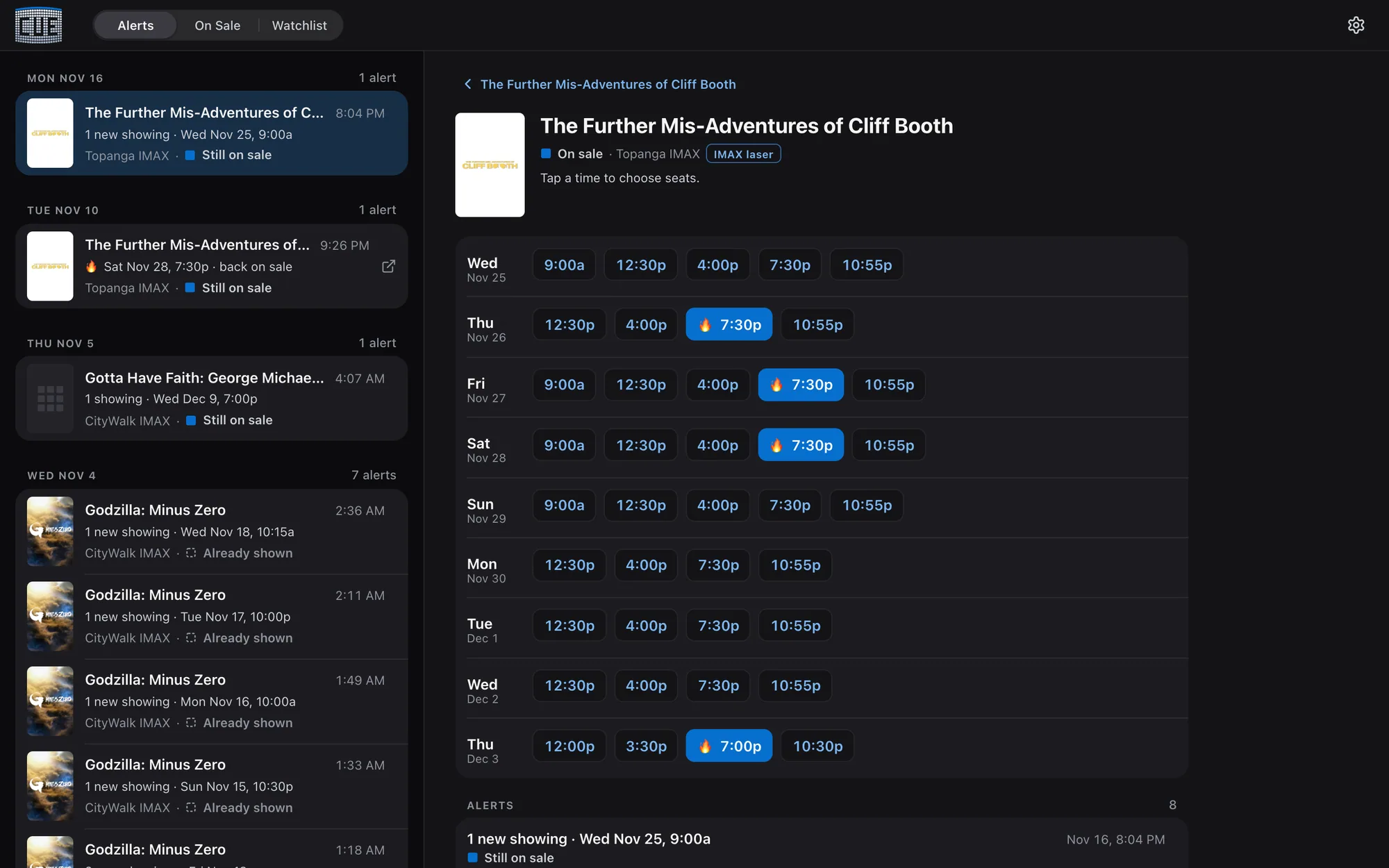
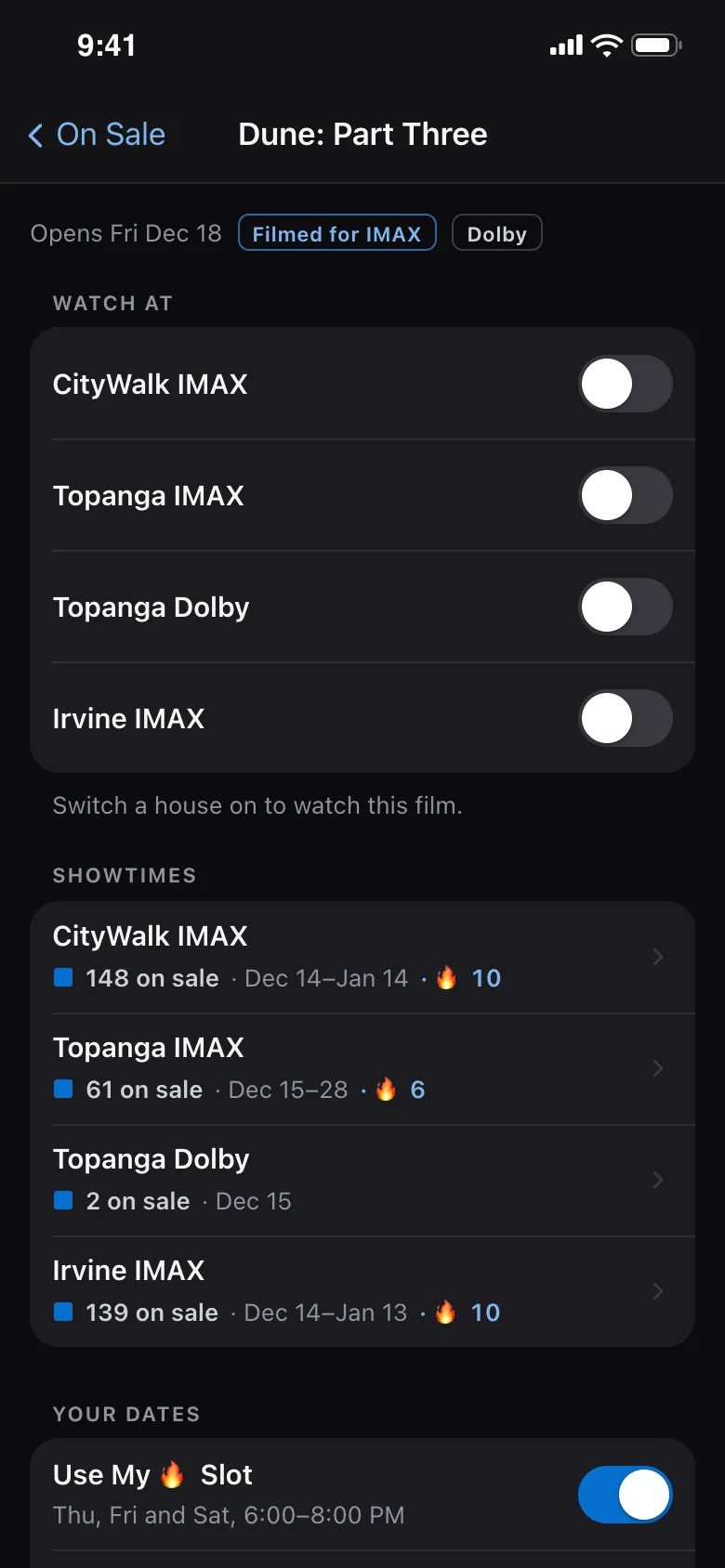
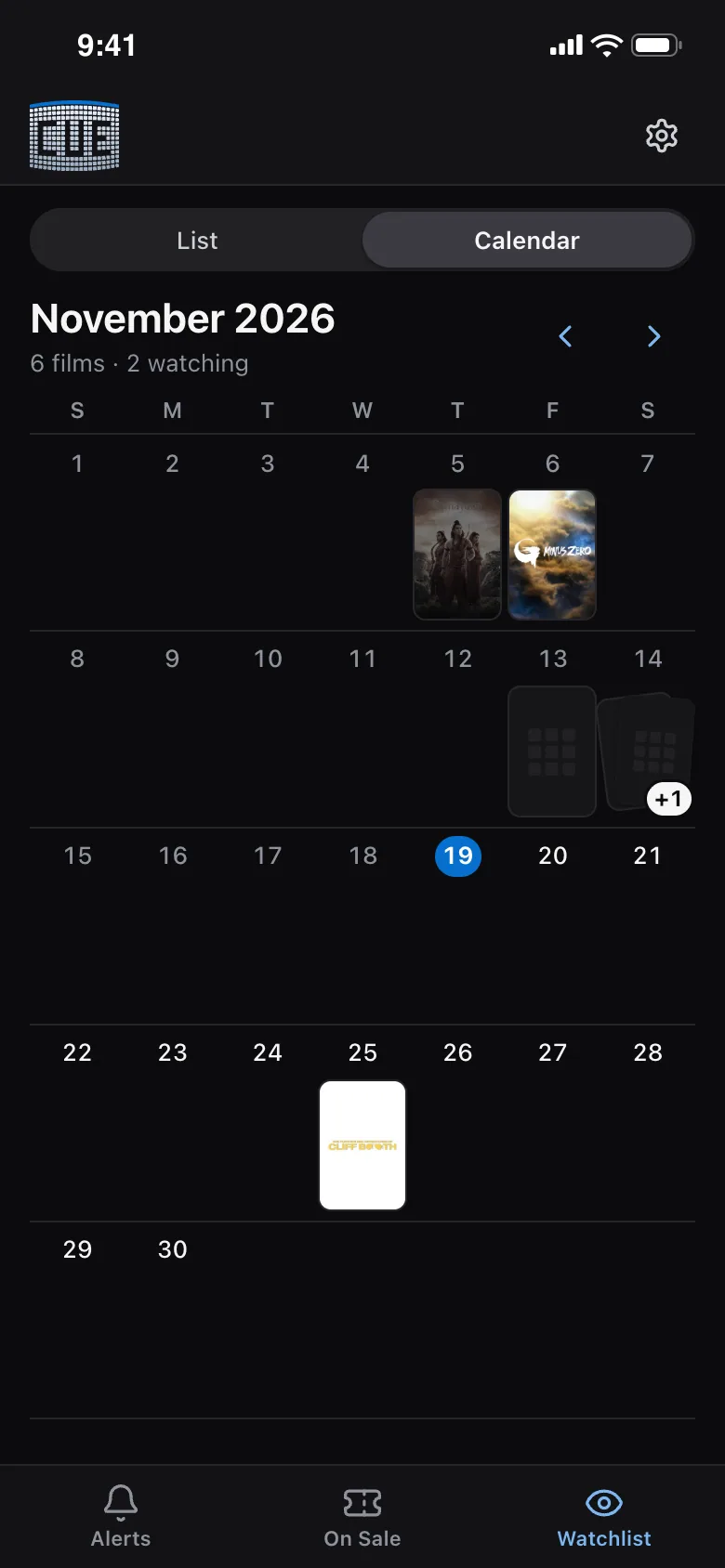
Release calendars from IMAX and Dolby are pulled daily and merged into one row per film. The Watchlist shows them as a list or a month of posters, and I switch a film on per auditorium.
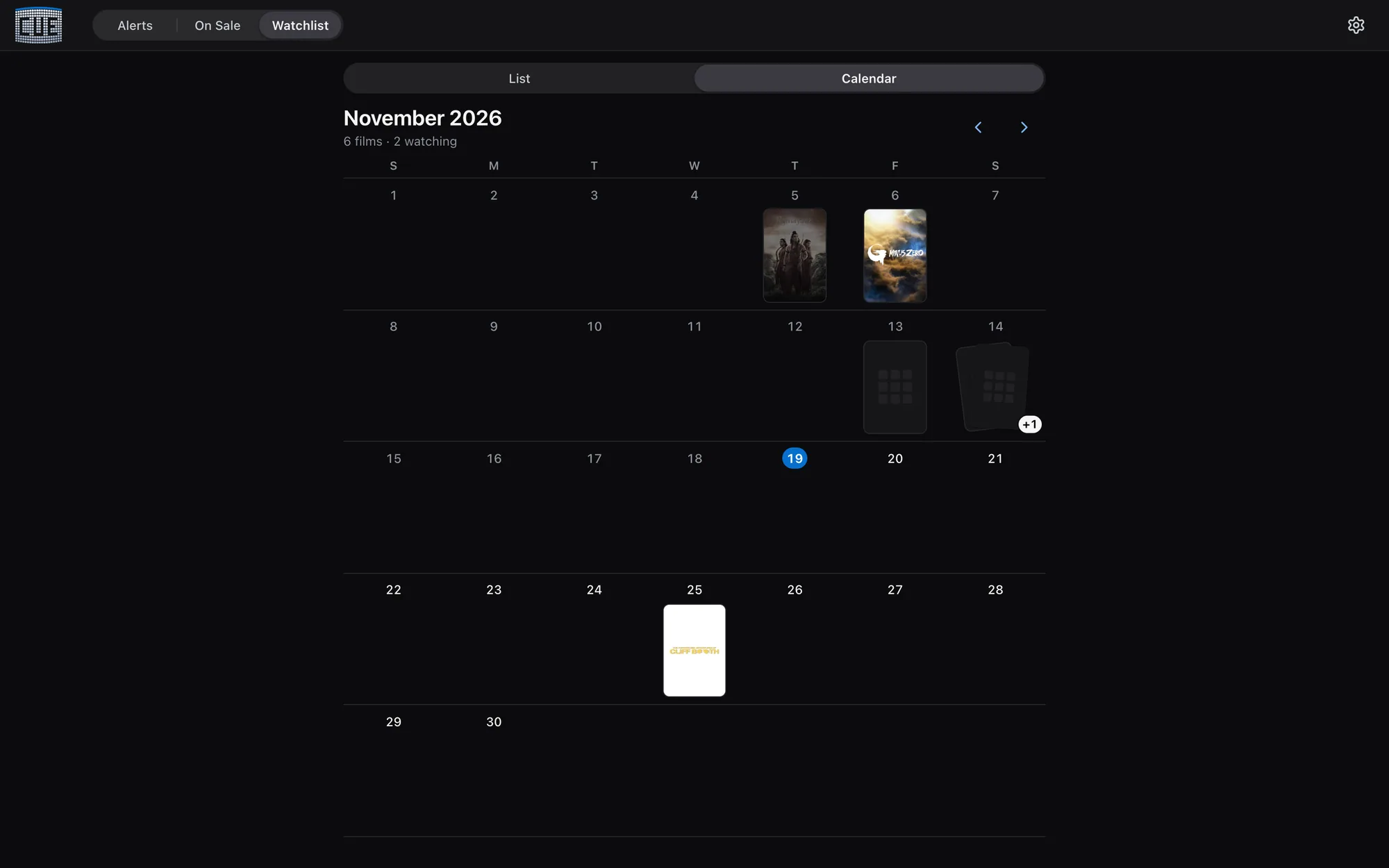
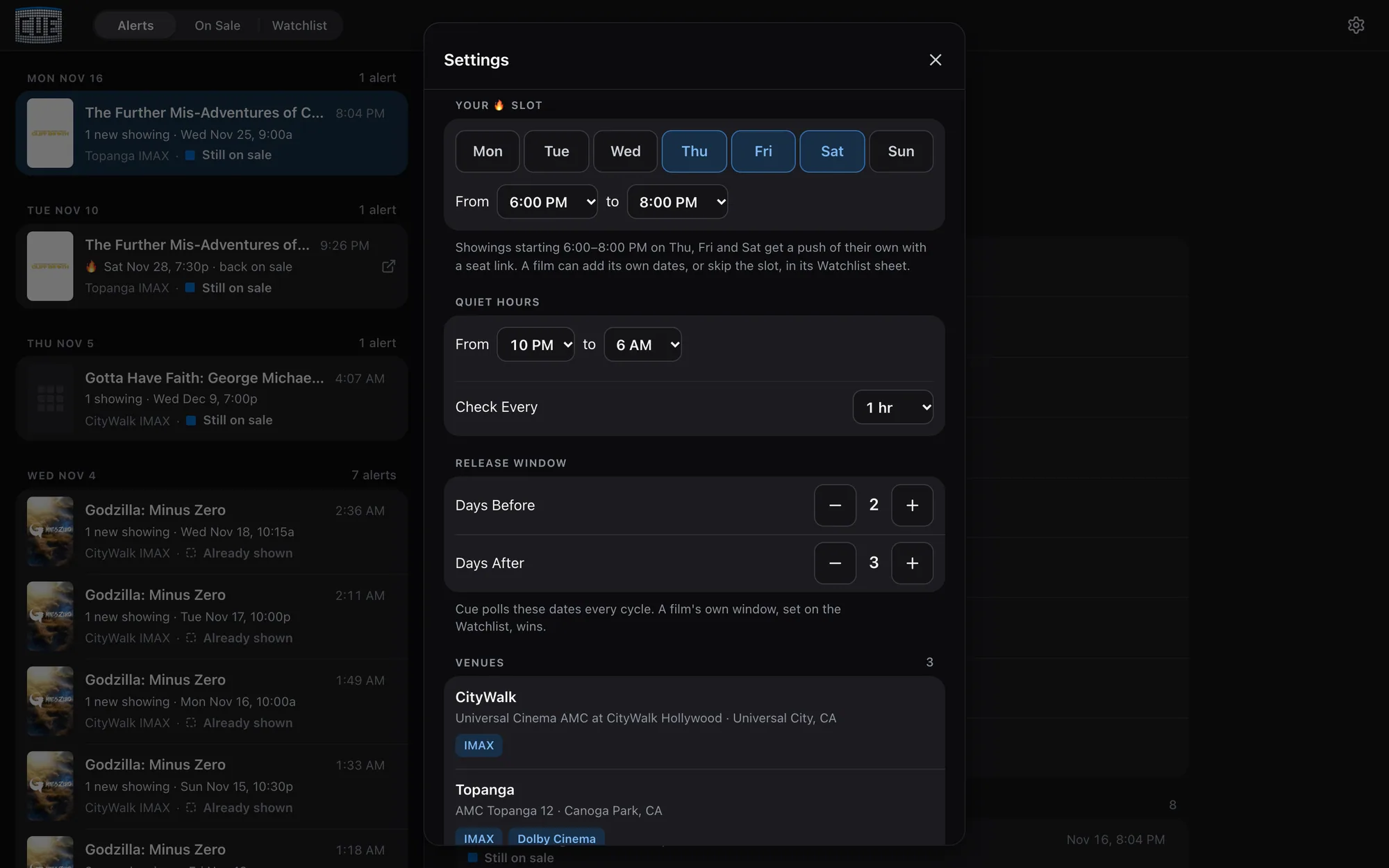
Cue checks the ticket sites about every three minutes and spends most of its attention on what's soonest. Showtimes from today through the next four days are checked on every pass. Preferred showtimes that I set are checked every few passes. The rest of the next two months is covered a few days at a time, in turn. And because one film's tickets went on sale 151 days early, it also looks up to six months ahead every 30 minutes. It never sends more than 750 requests an hour, and slows to every 20 minutes overnight.
Each screening in a watched house is one row, keyed to theater, house, film, date and minute, never the source's ID. It is on sale, coming soon, sold out or gone, and it pushes once, plus once more if it sells out and comes back.
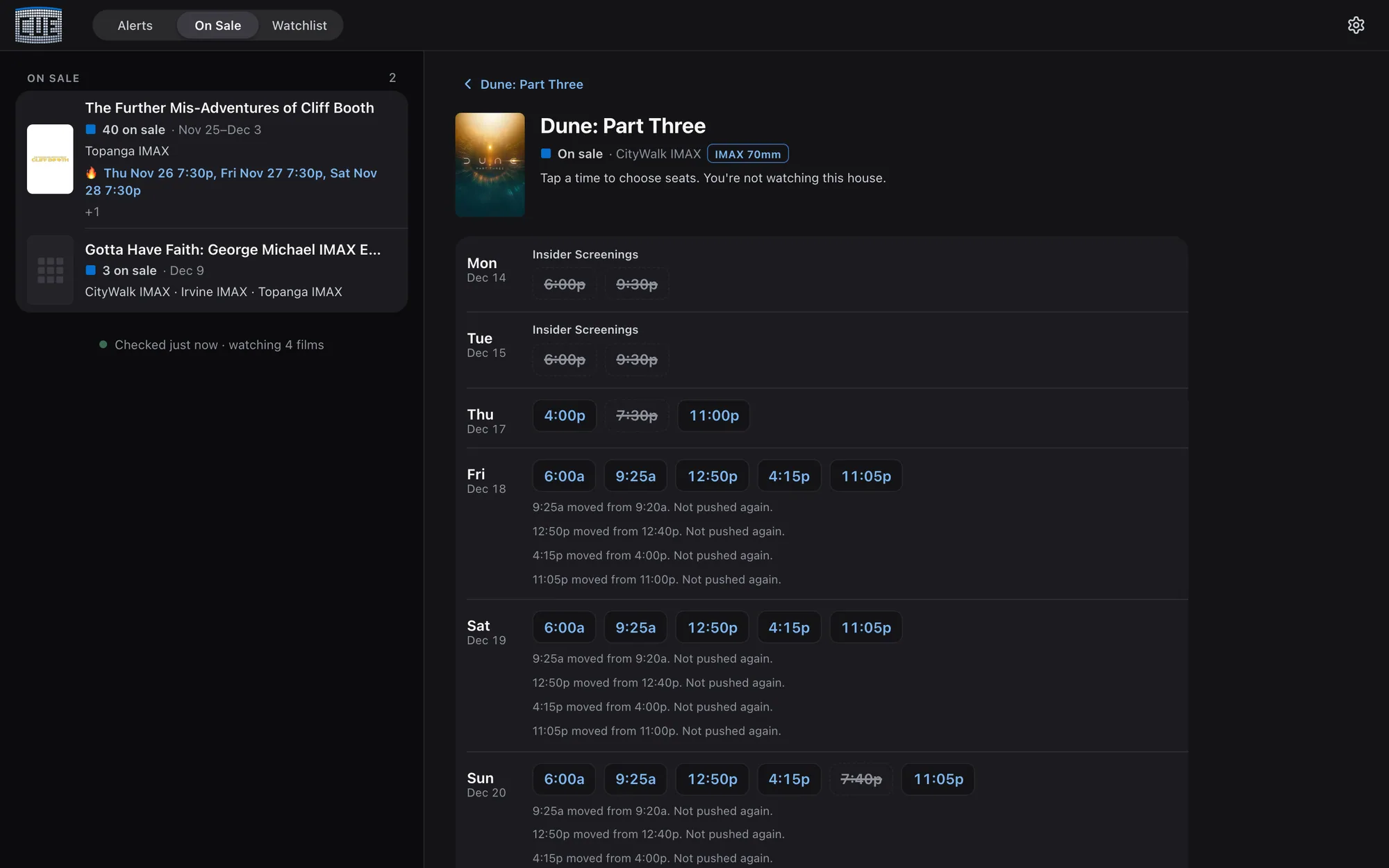
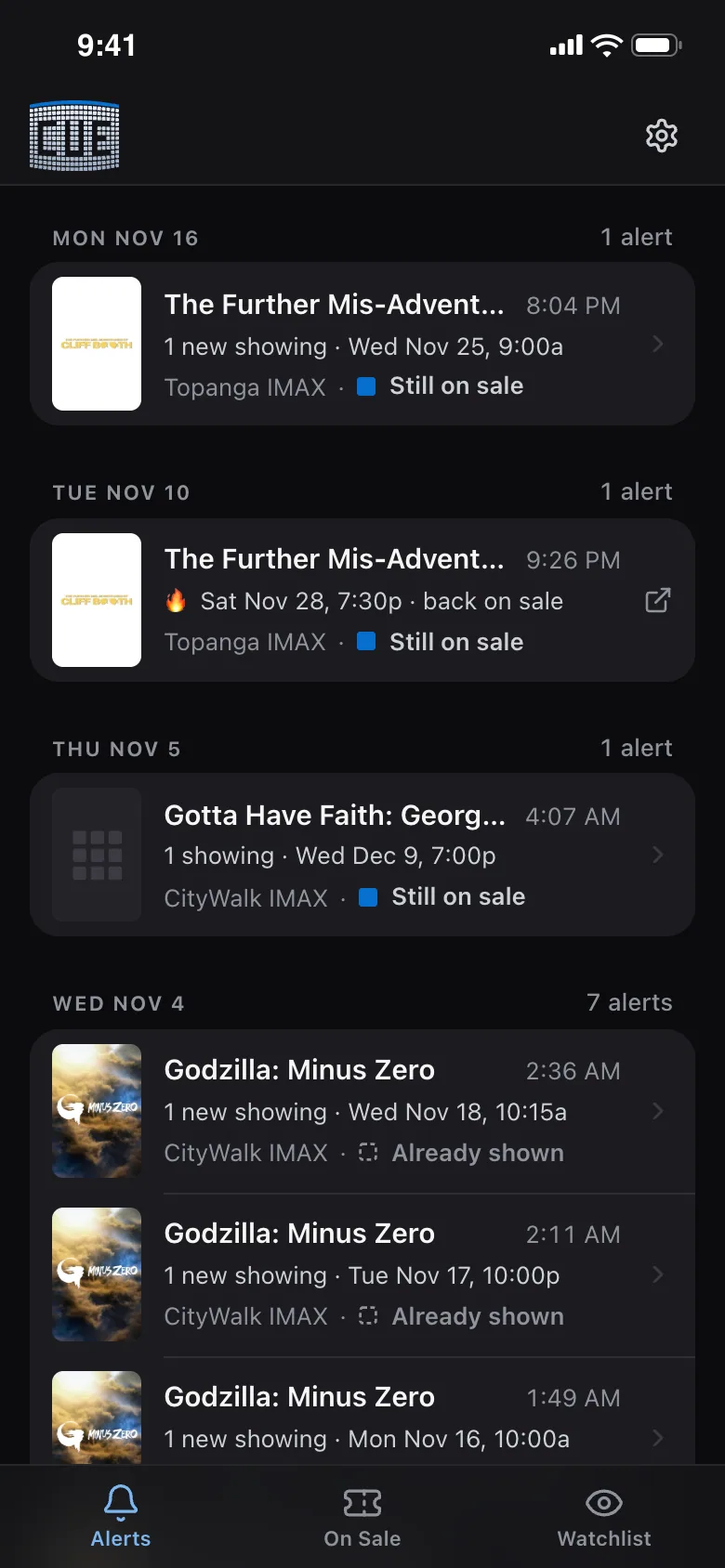
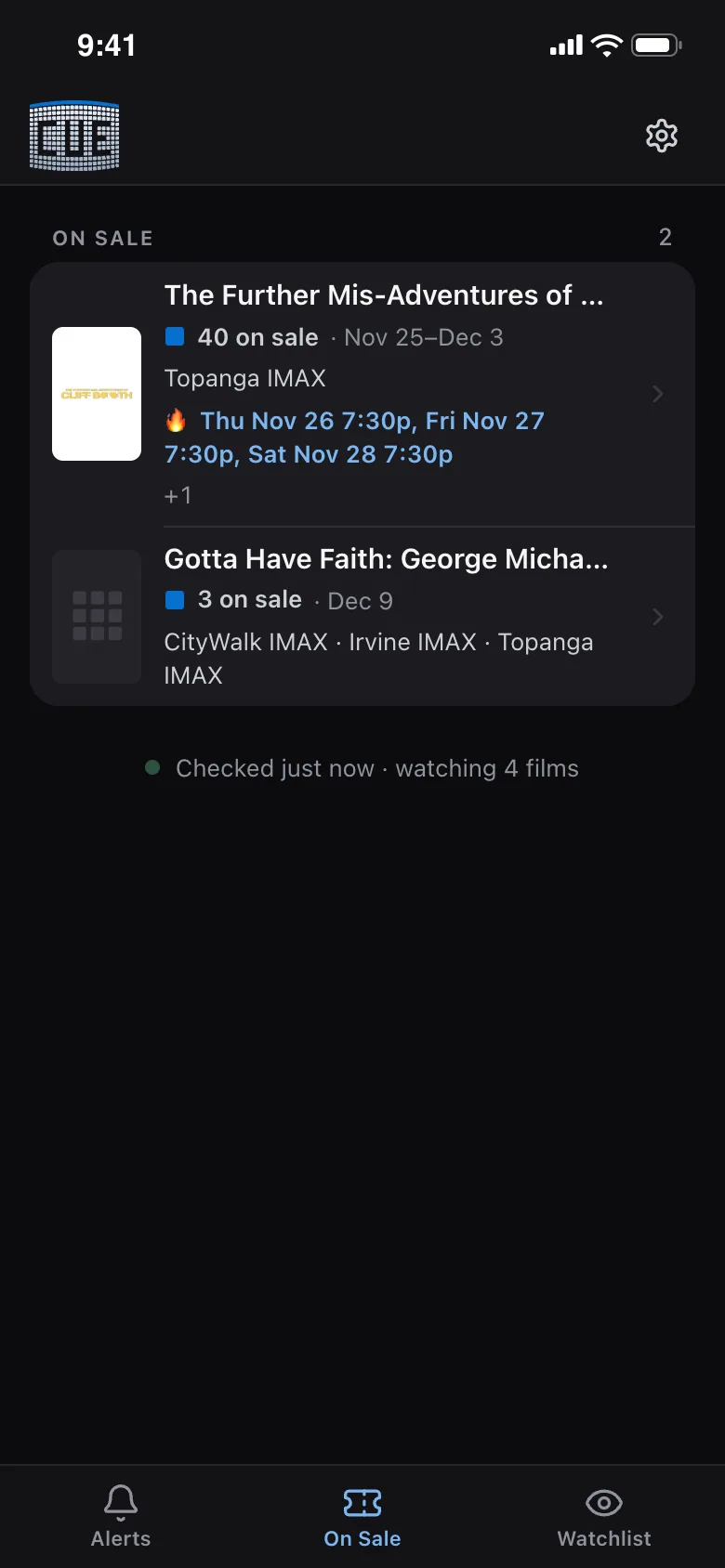
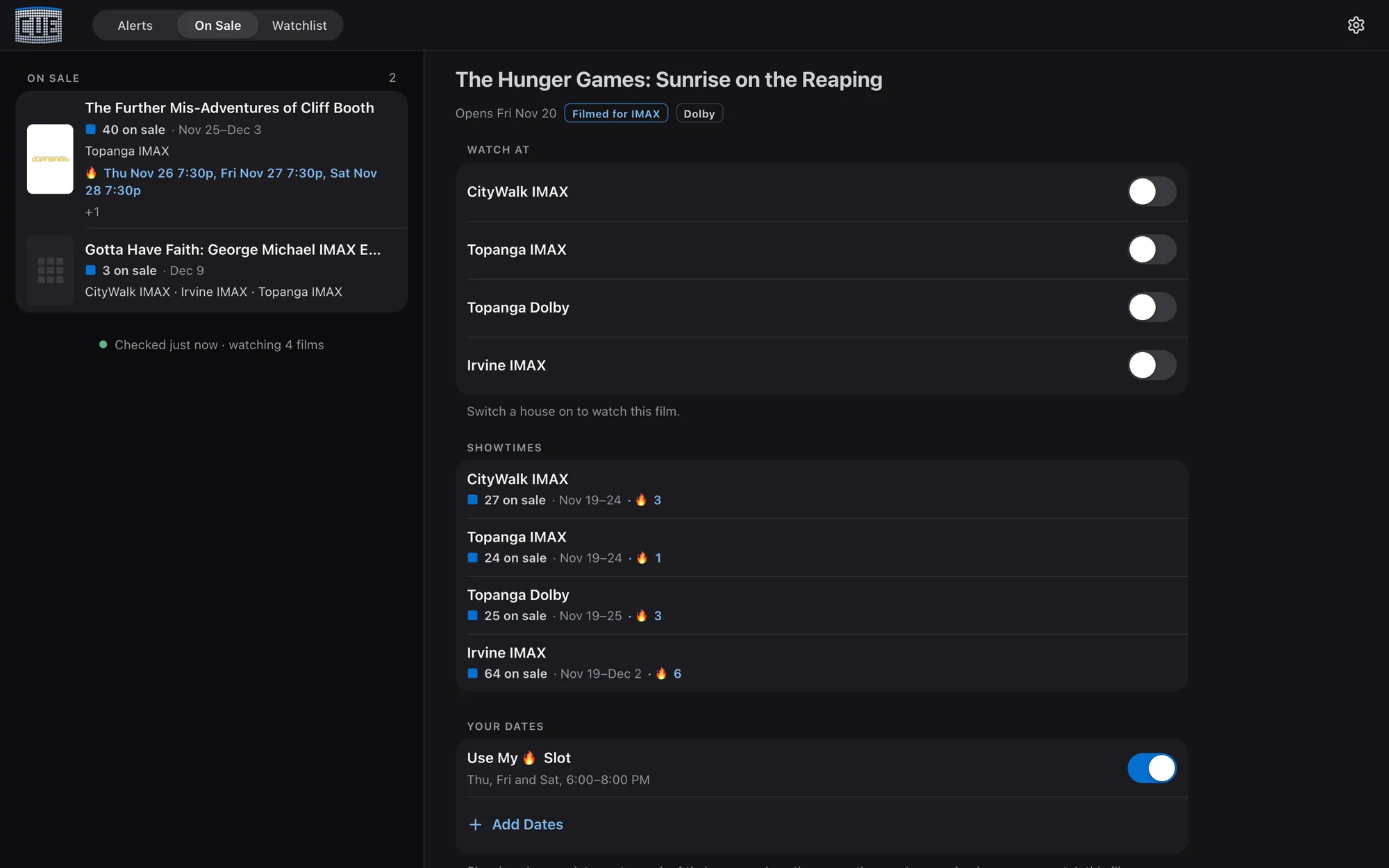
My preferred showtimes are tagged with 🔥: an urgent push each, straight to the seat map, and again whenever seats come back. The rest of a drop is folded into one summary push per film and house.
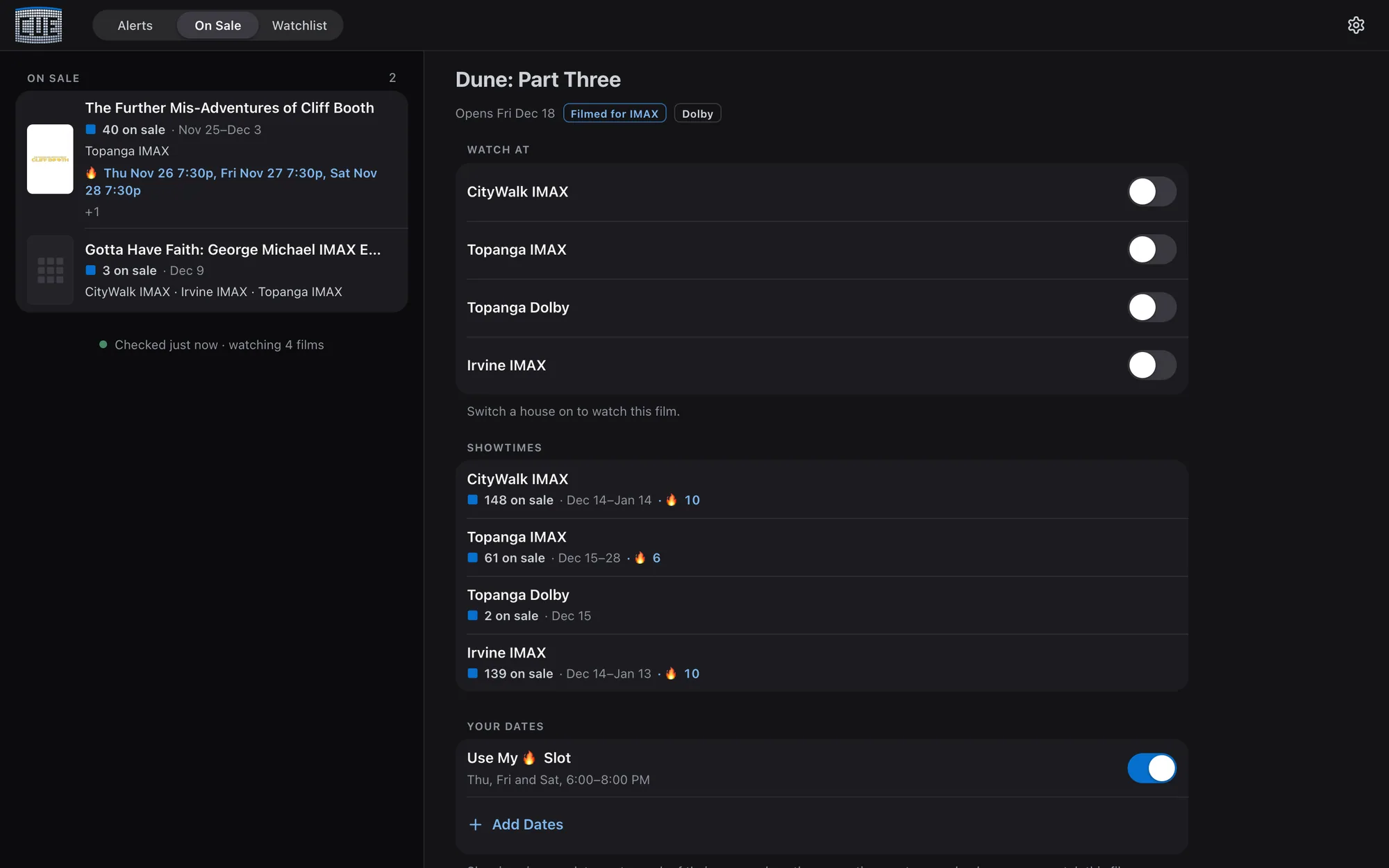
The Alerts tab lists every push by day with its live status. A tap opens the film: where it's showing, the switches and the showtimes, my preferred ones marked 🔥, in one screen.
Built Overnight, Unattended
The first build ran while I slept. The brief set hard request budgets for the night, a stack not to re-litigate, six tasks each with a definition of done, and one rule above all: skip what's blocked, log it, move on. The session log is how I knew it worked.
On The Phone
The Details
Jittered intervals, conditional GETs, Retry-After honored, an hourly budget with a hard cap, a circuit breaker, and backoff persisted to disk so a reboot can't cause a hammering.
Fandango's robots.txt disallows the endpoint Cue reads. I accepted that knowingly for a personal, low-volume tool, and the decision log says to revisit it before any auto-purchase.
After a flapping showtime fired about 1,000 pushes in a day, alerts moved to a ledger committed only after a successful send. Failed pushes retry; nothing is lost or doubled.
167 screenings were pushed twice because the source reissued every ID. A showing is now keyed to what it physically is, and a move of up to 30 minutes is the same showing.
An unreadable database or an empty calendar skips the cycle and sends one "Cue needs attention" push per outage. So does Fandango refusing every poll for 30 minutes. A silent watcher is the worst failure.
The AMC check that finds a seat link is gated to AMC venues. Run against a Regal, it would vouch for the wrong building and drop a real on-sale, and a test fails if the gate is ever removed.
Screenings already on sale when a house is switched on are settled silently, so watching a new film doesn't send fifty pushes for seats that went on sale last week.
The deploy ships a clean export of the committed tree, runs every check first, tags a rollback image and stops the poller only while it sleeps, because a kill mid-cycle loses its commits.
421 Python and 36 web tests, captured from real responses so the suite never touches a ticketing site. They run before every commit.
Architecture
Three containers on my home server: the poller, the web app and a self-hosted ntfy. Settings changed in the app apply on the poller's next cycle, with no restart. Only the push wake-up ever leaves the box.
How AI Built It
Briefed at bedtime with hard request budgets; by morning a working app, real fixtures, one real test push, and a list of what was blocked on me.
Review round 2 was planned as calls on a decision page, then built as three lanes in separate git worktrees (film-first screens, the calendar, the film sheet) and merged the same day. Round 3 shipped the same day too.
CLAUDE.md describes Cue as it is now, section by section, and the dated log of how it got here moved to its own history file, so a fresh session reads the present, not four months of past.
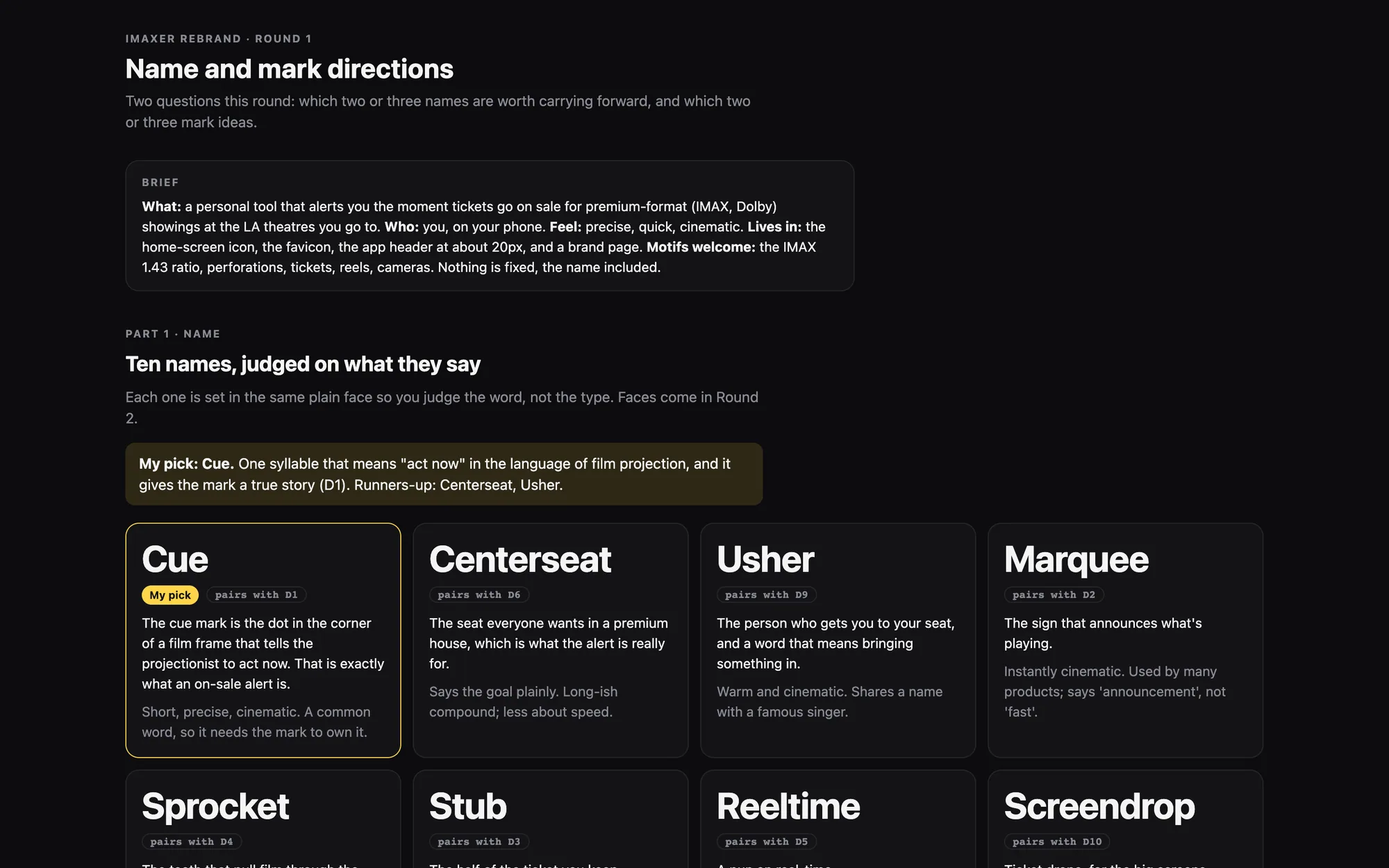
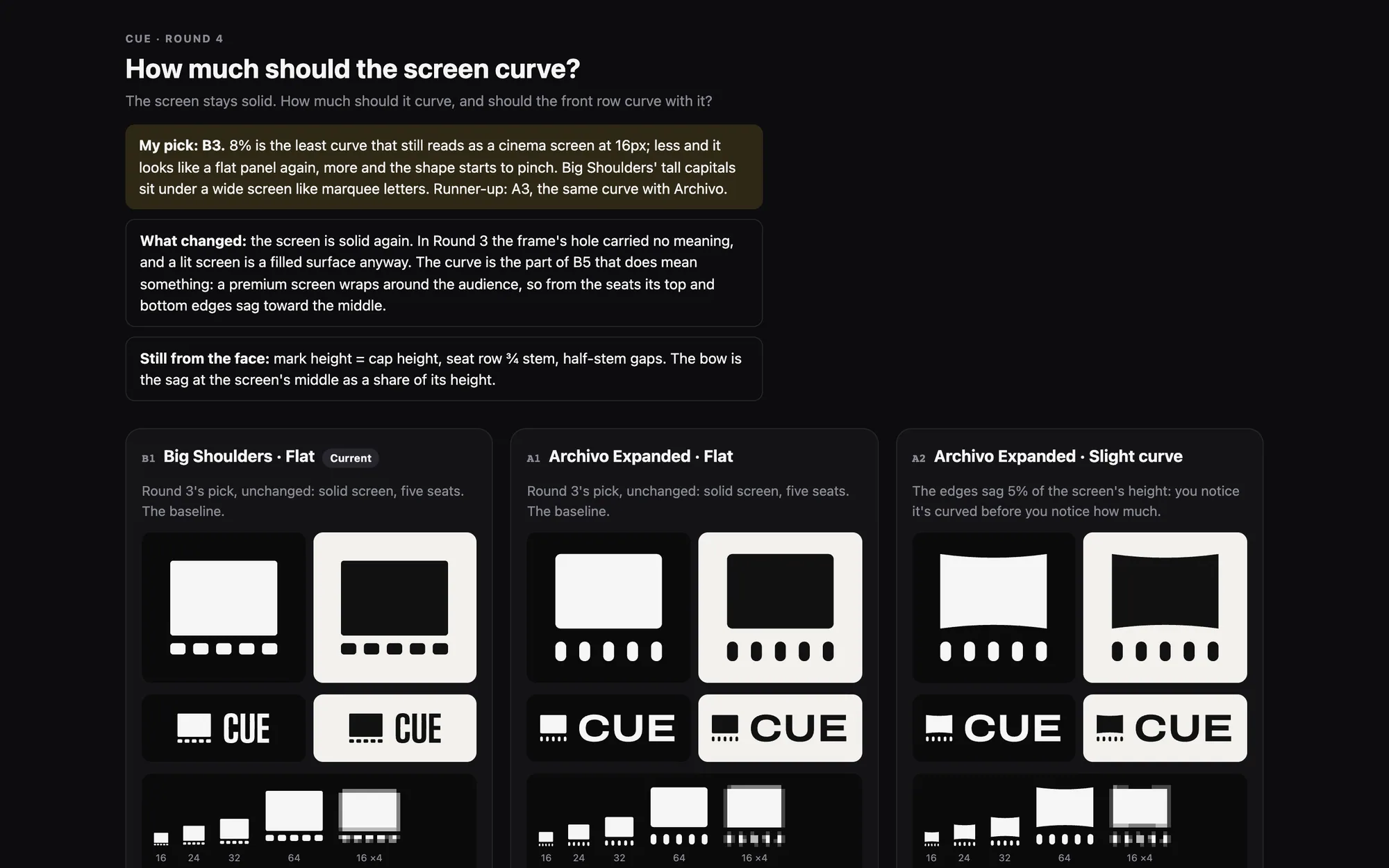
The name imaxer was someone else's trademark, and it watches Dolby too. Logged rounds landed on Cue: a seat grid shaped like the IMAX screen, in IMAX blue.
Same lesson as Macro Meeter: the first UI round-tripped every interaction, so it was replaced with a client-first React app, and then rebuilt on the family's phone standard.
In Motion
More Screens
 →A net-worth tracker for a household: twenty balances logged once a month as a checklist, trends over years, and a one-page report written for someone who isn't a numbers person.