The server never tells the Mac what to run
A launch names a project and a step id, nothing more. The Mac reads that step's prompt from its own copy of the repo. Text from the hosted app never becomes a command on my machine.
Mission control for my AI work

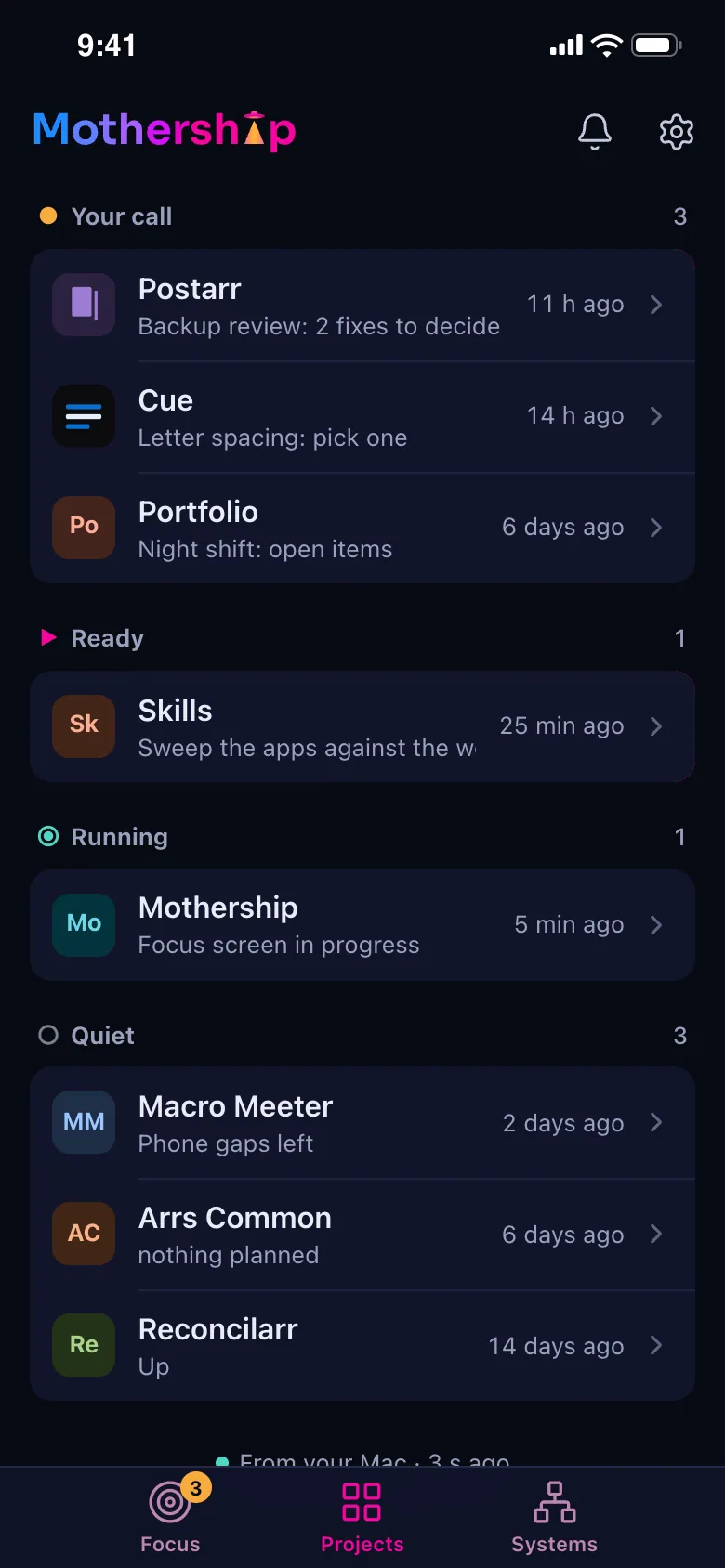
One screen for everything I build and run: what needs me next across every project and machine, ranked, with a Start button that opens the next step as a Claude Code session on my Mac.
The Problem
About twenty projects, each with its own plan, decision pages, overnight runs and open questions, plus a home server, a NAS and a network that raise their own alerts. Knowing what needed me meant opening every repo. I wanted one ranked answer to "what now?", and a way to act on it from my phone.
How It Works
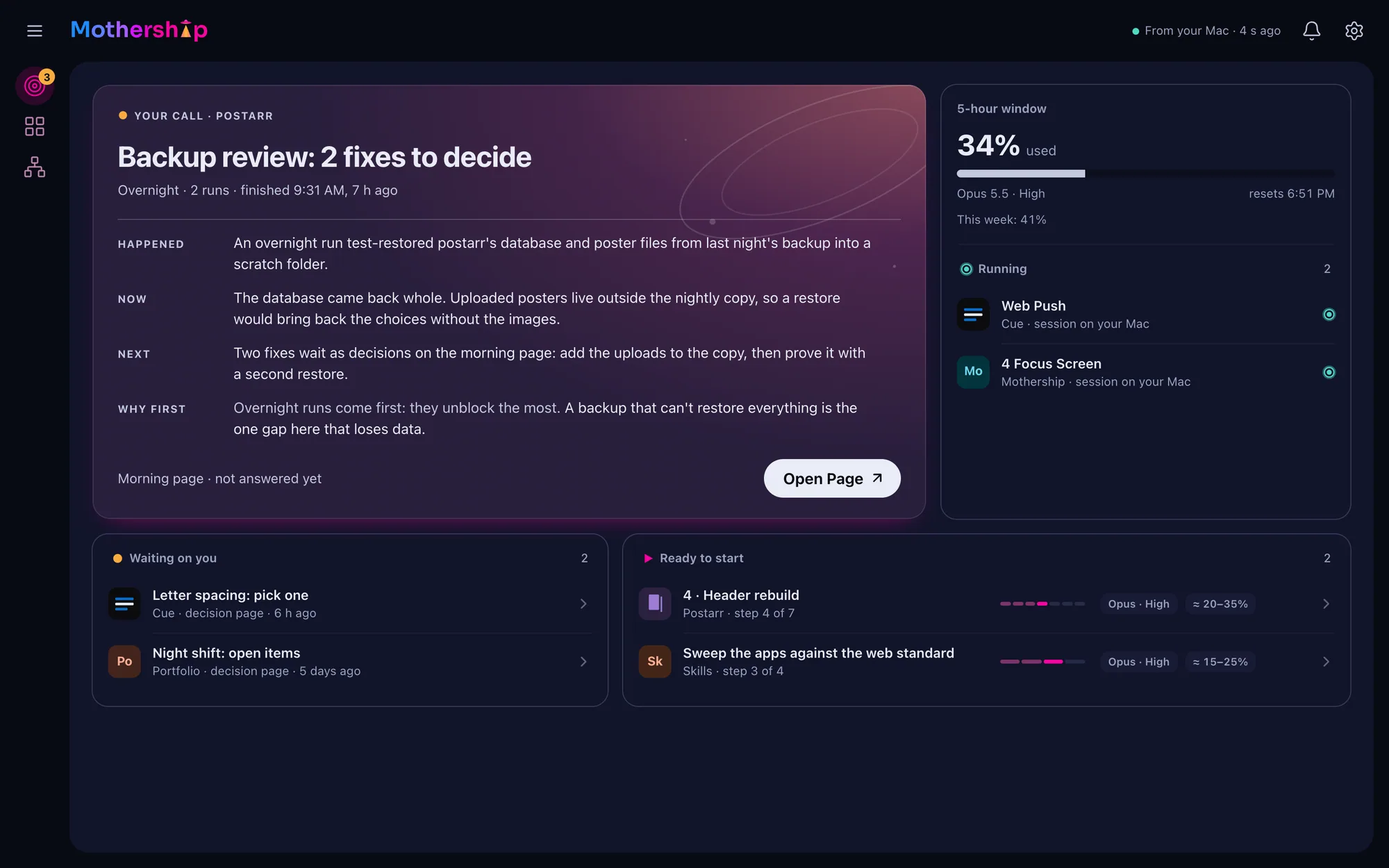
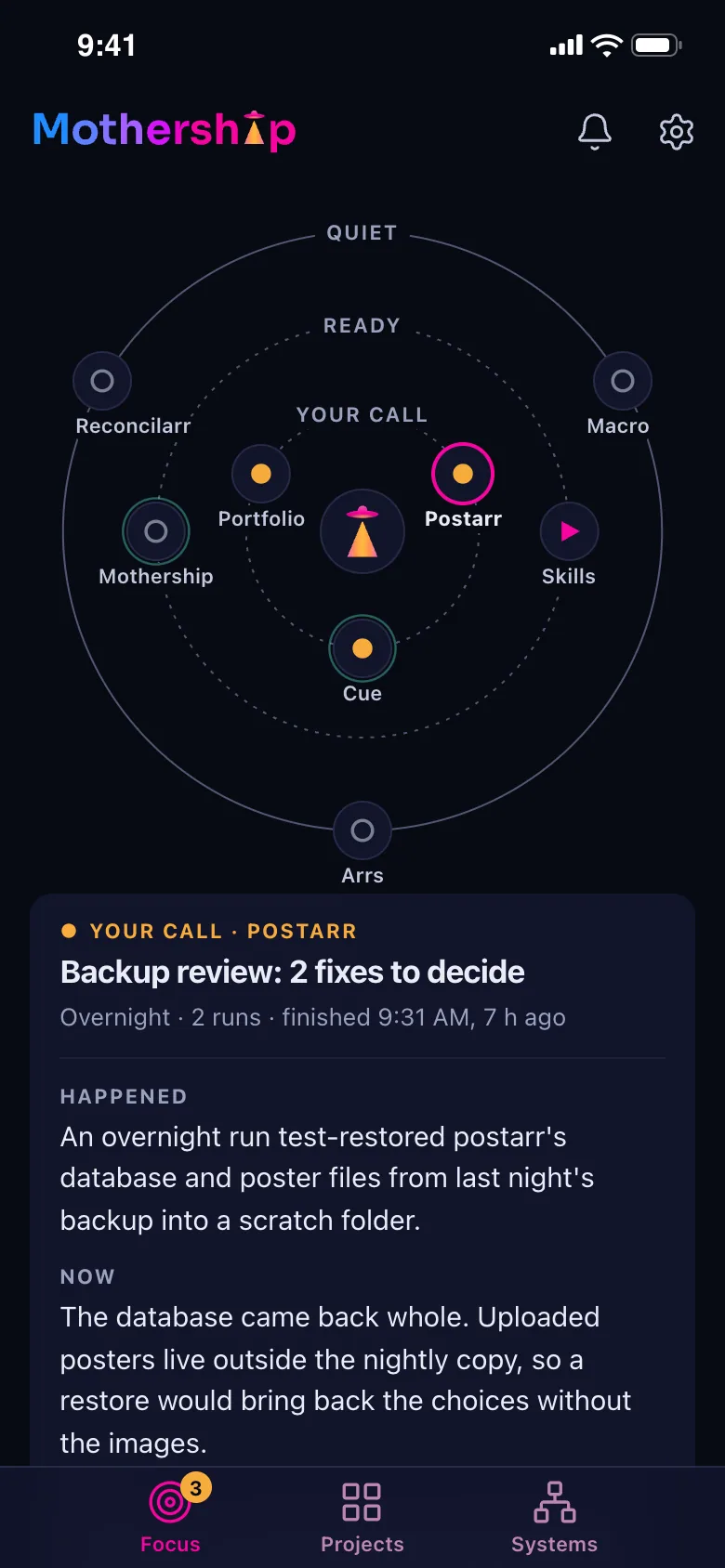
Broken things first, then decisions waiting on me, then steps ready to start, then projects gone quiet. A failing disk and an unanswered decision page use the same marks, so there's one grammar for attention.
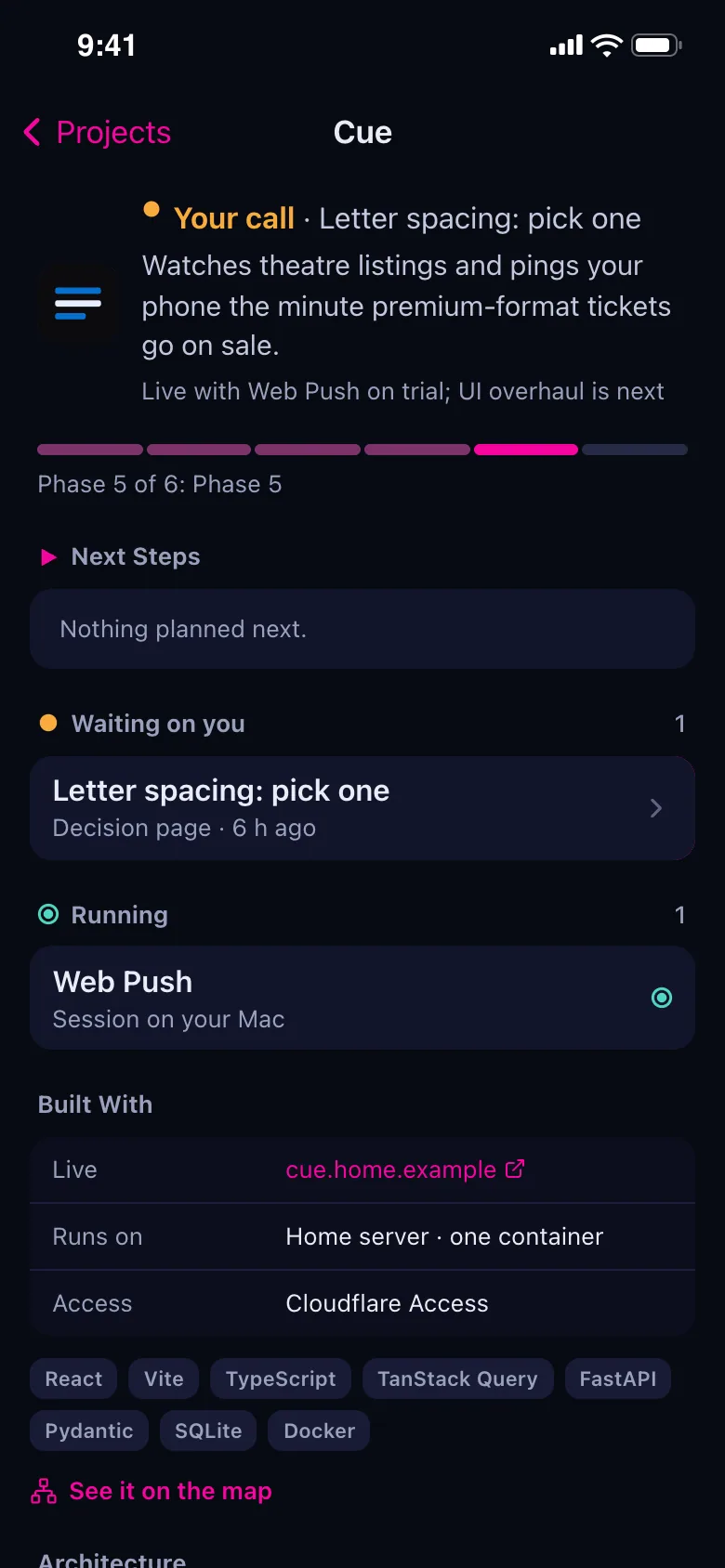
Each project keeps a small status file (phases, next steps, waiting items, its health URL) under a written contract with a validator any session can run. Sessions update it when a step ends, so the hub is never hand-maintained.
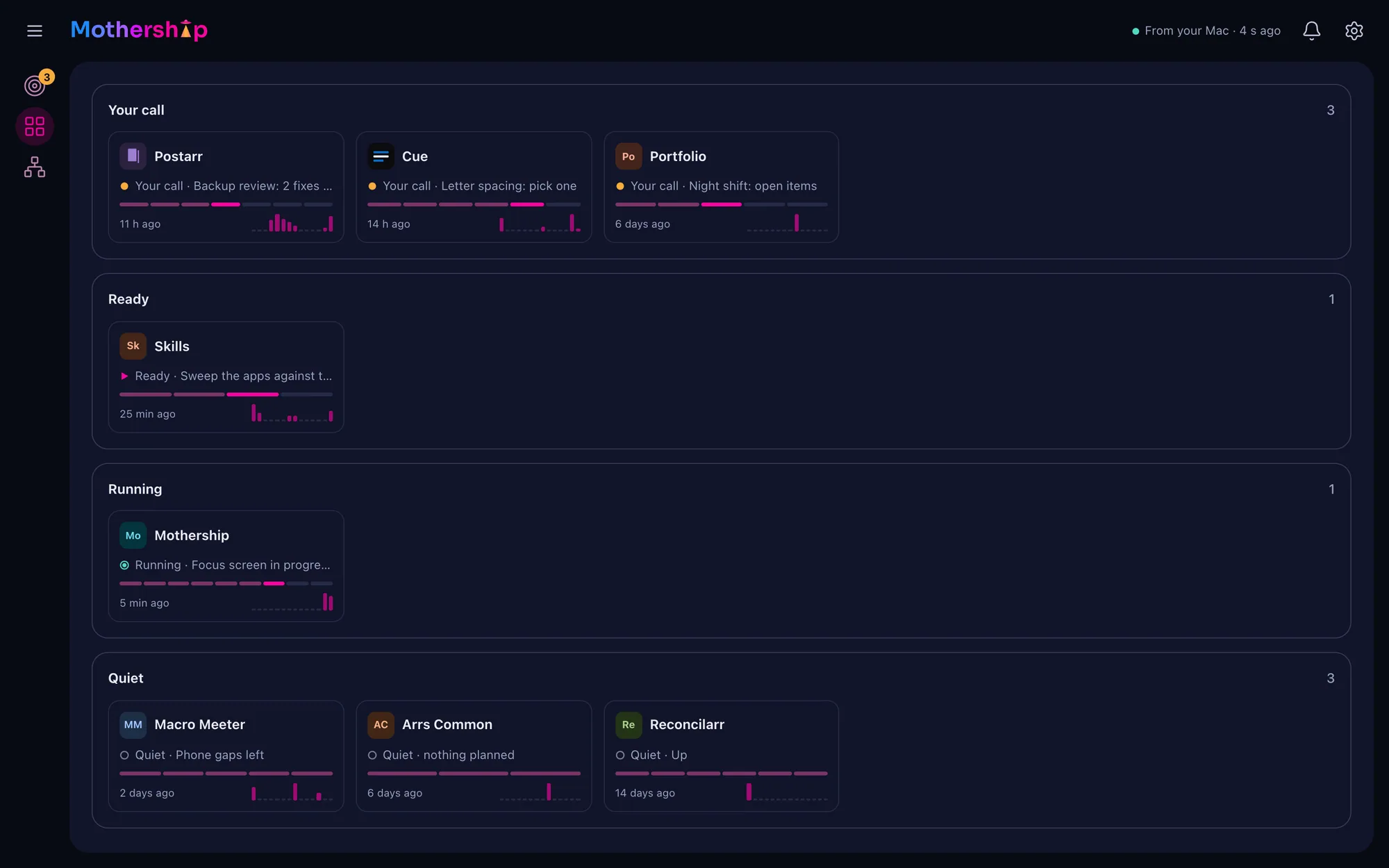
Start opens the step's Claude Code session on my Mac with the model and effort it was planned for, and the row changes in place: Starting, then Running on your Mac.
The Systems tab reads the home server, the NAS and the network every few minutes, read-only, and draws the map: pick a path (Public, Tailscale, Backups) and only its lines light up.
On The Phone
The Details
A launch names a project and a step id, nothing more. The Mac reads that step's prompt from its own copy of the repo. Text from the hosted app never becomes a command on my machine.
The status file has a schema, examples and a stdlib-only validator, so any repo's session can check its own file before committing. A broken file shows up as a broken card, not a silent gap.
The Mac agent reaches the server through Cloudflare Access with its own service token and policy, not a LAN shortcut that would break the day I'm away from home.
An alert with nothing better to do gets Investigate: a session that finds out, reports and changes nothing. The button says what the session will do before it starts.
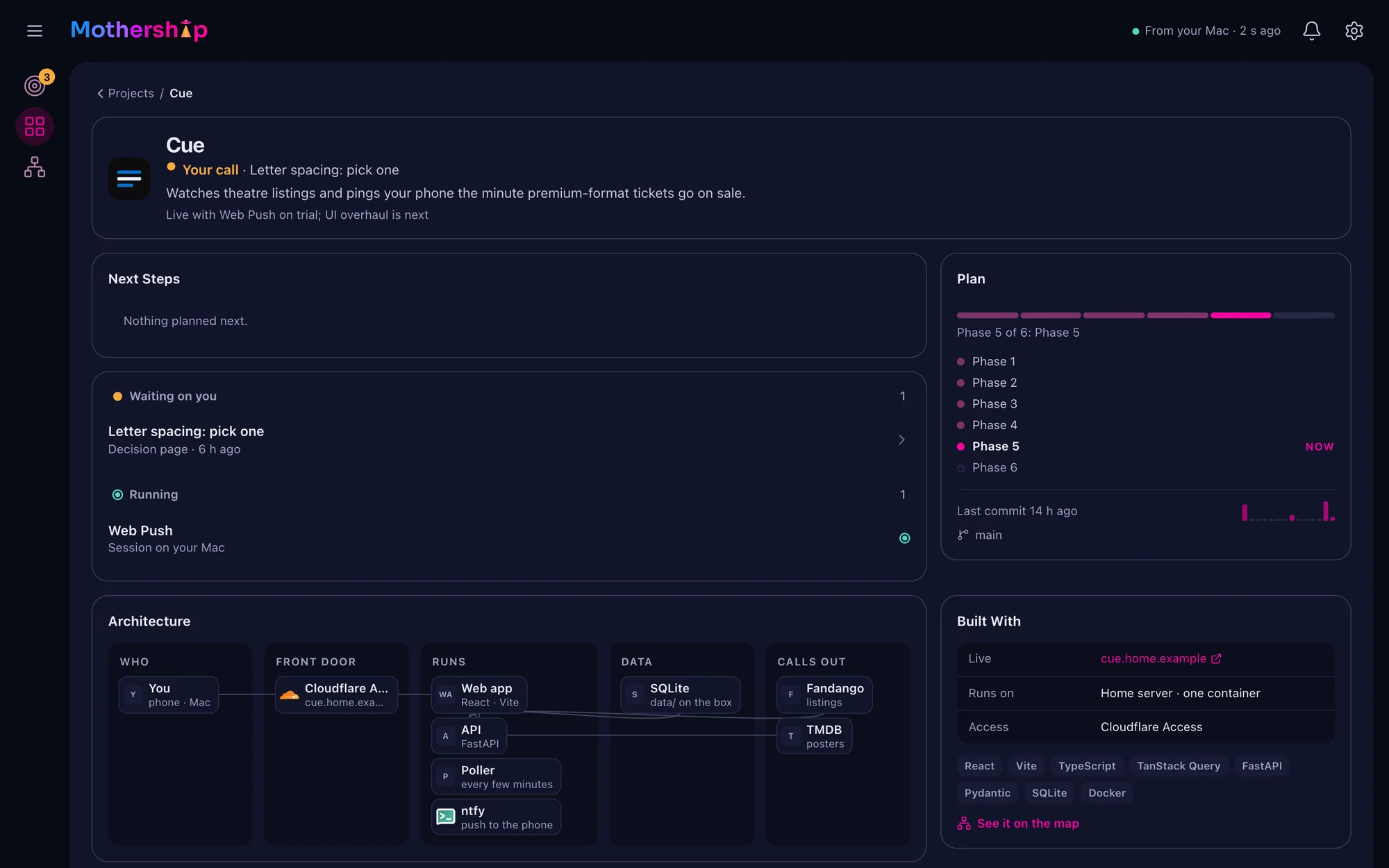
The network map and every project's architecture are drawn by the same component: nodes in bands, connectors measured from the laid-out page, nothing with an x and y. Both work at phone width with no second design.
The first backup restore misaligned its columns and restored nothing, without an error. The test caught it before it was ever needed; restores now name every column.
Views and components read semantic tokens only, mixed from the generated brand colors, and a test fails on a raw color in any stylesheet.
Architecture
The hub is one container on my home server behind Cloudflare Access. The Mac collects and pushes snapshots; Start goes back only as a project and a step id. Every screen here runs on the app's own demo data, with an invented network map.
How AI Built It
Round one was a page of six decisions (status file, agent design, ranking, the Start sheet, its own app or not, a light brand), each with my pick tagged. I answered on the page; the plan built from the answers.
The skeleton and the status contract were built unattended the first night. Each later step was its own session with a written prompt, and the app was live in two days.
A ring station whose tractor beam is the i, refined one variable a round, then a construction review: every measurement derived from the typeface's stem. The beam borrows the angle of the M's diagonals.
"Every alert needs to have an action" and "remove All Projects from this view" came from using it. Each landed the same week, logged with the words that started it.
In Motion
 →A macro and calorie tracker where logging a meal is a photo or a sentence: a model proposes each item with a portion and its macros, I check and correct it, and it lands in the day.